How to add images and videos to your website
February 3, 2023
There are a few different ways to add images and videos to your website. 1. Upload images and videos directly to your WordPress media library…. Read More →
February 3, 2023
There are a few different ways to add images and videos to your website. 1. Upload images and videos directly to your WordPress media library…. Read More →
February 3, 2023
In the modern digital landscape, the speed of a WordPress website is no longer just a luxury or a minor technical detail; it is a… Read More →
February 2, 2023
In the vast digital landscape, your website is a critical asset. For WordPress users, this asset is powered by a complex interplay of files, databases,… Read More →
Understanding the structure of your website files is essential for effective management and troubleshooting. The primary folder containing all core elements acts as the foundation… Read More →
February 2, 2023
Speeding up a WordPress website is crucial for providing a good user experience, improving search engine rankings, and reducing bounce rates. A slow website can… Read More →
February 1, 2023
To add a comment in WordPress, you need to be logged in to your WordPress account. Once you are logged in, you can add a… Read More →
February 1, 2023
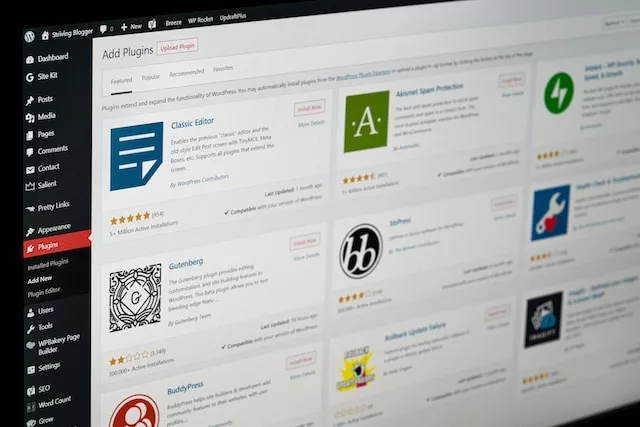
To disable the Gutenberg editor in WordPress and keep the classic editor, you can install and activate the “Classic Editor” plugin. The plugin can be… Read More →
February 1, 2023
There are a number of caching plugins available for WordPress. Some popular caching plugins include: WP Super Cache W3 Total Cache Memcached Redis Each caching… Read More →
January 30, 2023
To install WordPress locally on Windows or Mac, follow these steps: Download a local server software: You will need a local server software to install… Read More →
January 29, 2023
To install WordPress on cPanel, you can use the Softaculous application installer. Log in to your cPanel account. Click on the Softaculous Apps Installer icon…. Read More →