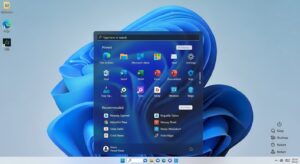
The Kernel Security Check Failure is a critical system error that can disrupt your computing experience, often appearing as a blue screen with a sad… Read More →

The Kernel Security Check Failure is a critical system error that can disrupt your computing experience, often appearing as a blue screen with a sad… Read More →

The mobile hotspot feature in Windows 10 allows users to share their internet connection with other devices, turning a computer into a wireless access point…. Read More →

January 2, 2024
SysMain, formerly known as SuperFetch, is a Windows service that is designed to improve system performance by preloading frequently used applications into RAM. However, in… Read More →

January 2, 2024
Taking screenshots in Windows 10 and 11 is straightforward, and there are several ways to do it. Here are eight easy methods: Print Screen (PrtScn):… Read More →

December 27, 2023
Encountering the “There was a problem resetting your PC” error on Windows 10 can be frustrating, but it’s often resolvable with troubleshooting steps. Here’s a… Read More →

December 8, 2023
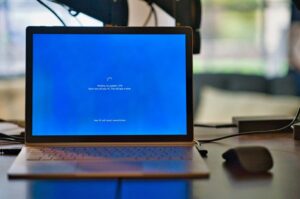
The “Windows Modules Installer Worker” process (TiWorker.exe) is responsible for installing, modifying, and removing system updates and components on Windows. If you’re experiencing high CPU… Read More →
November 22, 2023
YourPhone.exe is a legitimate Microsoft app that allows users to connect their Android or iOS phones to their Windows 10 PCs. It enables a variety… Read More →

November 21, 2023
There are a few things you can try to fix the NVIDIA Control Panel not opening on Windows: Run the NVIDIA Control Panel with admin… Read More →
November 18, 2023
Disabling mouse acceleration in Windows 10 is a straightforward process that can be accomplished in a few simple steps. Open the Mouse Properties window. There are… Read More →

October 9, 2023
The default Windows Photos app has long frustrated users who need speed and reliability from their image viewer. It loads slowly on large folders, struggles… Read More →