Wondering if someone has blocked your number on iMessage? You’re not alone. With over a billion iPhone users worldwide, iMessage is a primary way people stay connected—but what happens when your messages stop going through? Unlike some messaging apps, Apple doesn’t notify you if you’ve been blocked, leaving many users searching for answers.
This comprehensive guide covers the 7 most reliable signs that your number may be blocked on iMessage, how to confirm your suspicions, and what you can do about it. Whether you’re troubleshooting a silent contact or just curious about how iMessage blocking works, this article provides actionable insights based on the latest iOS updates and user experiences.
Why It’s Hard to Tell If You’re Blocked on iMessage
Apple designed iMessage with privacy in mind, which means there’s no direct notification when someone blocks your number. However, a combination of subtle clues—such as message delivery status, call behavior, and social media activity—can help you piece together the truth. It’s important to note that no single sign is 100% definitive, but multiple indicators together can paint a clear picture.
For example, if your iMessages suddenly turn green, your calls go straight to voicemail after one ring, and you no longer see “Delivered” or “Read” receipts, these are strong hints. But before jumping to conclusions, it’s crucial to rule out other possibilities, like network issues or the recipient’s phone being off.
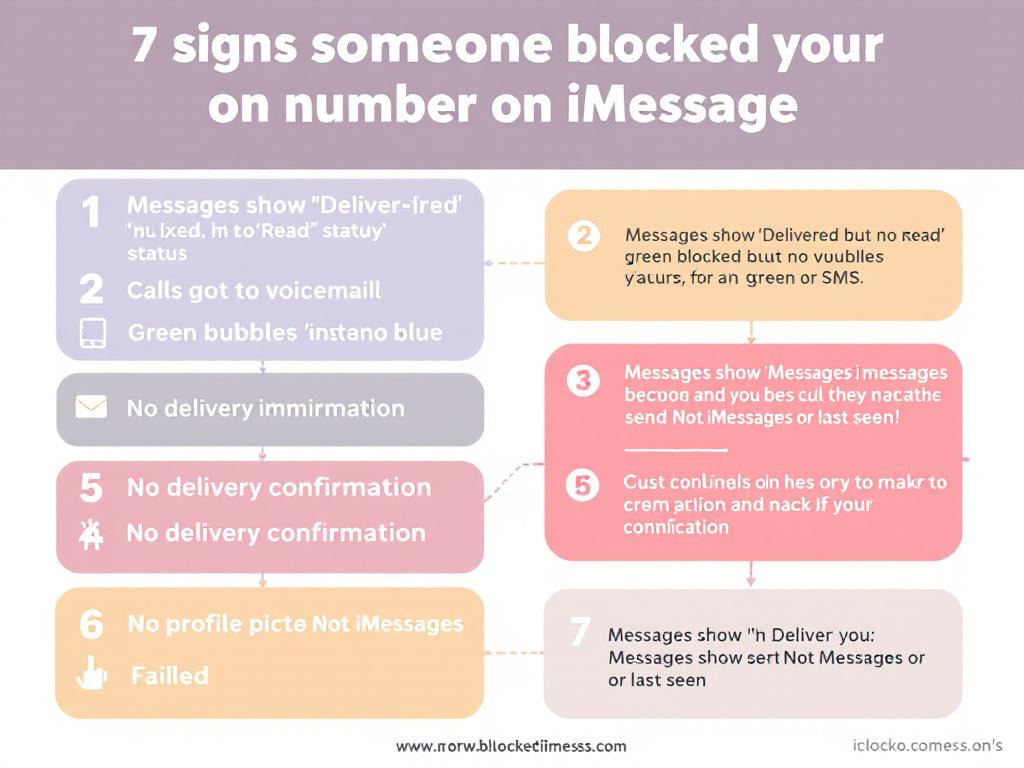
7 Proven Signs Someone Blocked Your Number on iMessage
1. Your iMessages Turn Green (But Not Always)
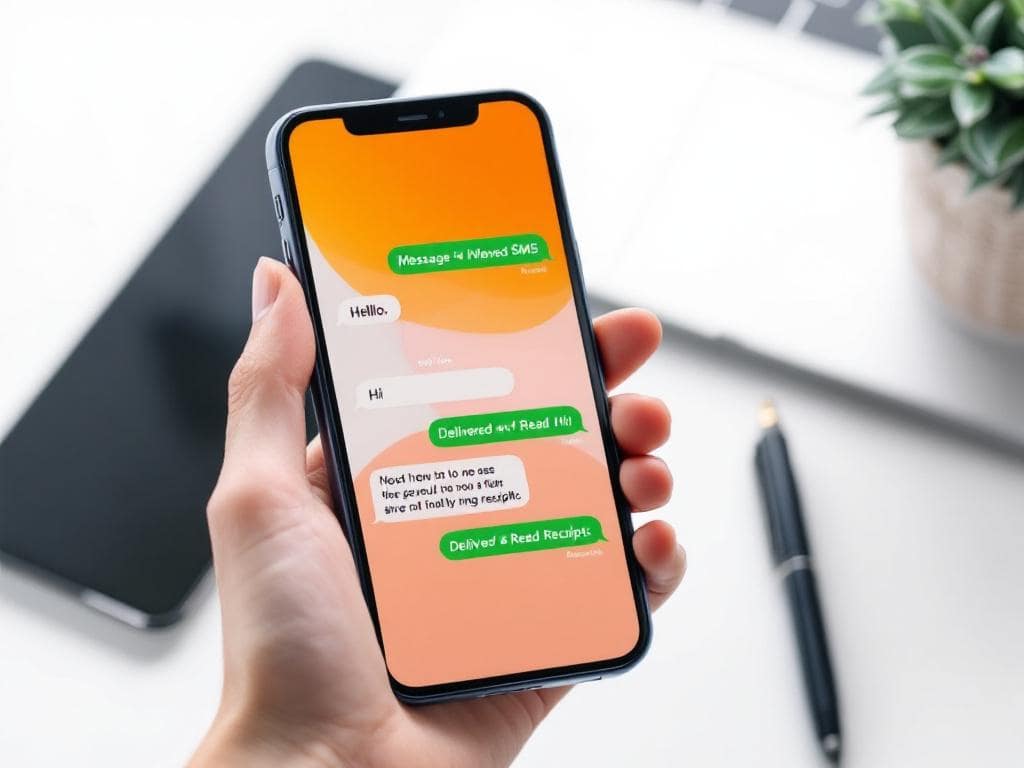
Normally, iMessages between Apple devices appear as blue bubbles. If your messages suddenly switch to green, it could mean one of two things: the recipient has turned off iMessage, or they’ve blocked your number. However, green bubbles alone aren’t proof—your contact might have switched to an Android device or lost internet connectivity.
What to look for: If your messages consistently send as green SMS (not iMessage) and the recipient hasn’t changed phones, this is a red flag. Try sending a message at different times to confirm the pattern.
2. No “Delivered” or “Read” Receipts
When you send an iMessage, you typically see a “Delivered” notification beneath the message. If this disappears and your messages hang on “Sent” or show no status at all, it’s a potential sign of being blocked. Keep in mind that the recipient could also have disabled read receipts or be in an area with poor signal.
Pro Tip: If you previously saw “Delivered” or “Read” receipts and they’ve vanished, this is a stronger indicator than if you never saw them at all.
3. Calls Go Straight to Voicemail After One Ring
If your calls ring once (or not at all) before diverting to voicemail, it’s a classic sign of being blocked. To test this, call from a different number. If the call rings normally, your original number is likely blocked.

4. FaceTime Calls Fail to Connect
Blocking on iPhone extends to FaceTime. If your FaceTime calls never connect—even when the recipient is online—this is another clue. Try FaceTiming using their email address (if you have it) to see if that works.
5. You’re Removed from Shared Apple Services
If you were previously part of a shared iCloud album, Find My location, or group iMessage and suddenly can’t access these, it may mean you’ve been blocked. Apple’s ecosystem is interconnected, so blocking your number often affects multiple services.
6. Social Media Silence
Many users block contacts across all platforms. If you’re unable to find the person on Instagram, Facebook, or WhatsApp, and your messages aren’t delivering on iMessage, the likelihood of being blocked increases.
7. No Response to Multiple Contact Attempts
If you’ve sent several messages and made multiple calls over days or weeks without a response—and you know the person is active on their phone—it’s reasonable to suspect you’ve been blocked.
How to Confirm You’ve Been Blocked
While no method is foolproof, combining the signs above can give you confidence in your conclusion. Here’s a step-by-step approach:
- Test with iMessage: Send a message and check for delivery status. No “Delivered”? Move to the next step.
- Call from your number: Does it go straight to voicemail after one ring? If yes, proceed.
- Call from a different number: If the call rings normally, your original number is likely blocked.
- Check social media: Are you unable to find or message them on other platforms?
- Ask a mutual contact: If possible, have someone else check if the person is active on iMessage.
If at least three of these signs are present, there’s a high chance you’ve been blocked.
Common Misconceptions About iMessage Blocking
Several myths persist about iMessage blocking. Let’s debunk them:
- Green bubbles always mean you’re blocked. False—green bubbles can also appear if the recipient has no internet or switched to Android.
- “Delivered” means you’re not blocked. Not necessarily. Some iOS versions may still show “Delivered” due to bugs or multi-device syncing.
- Blocking affects only iMessage. Wrong—blocking on iPhone applies to calls, SMS, FaceTime, and sometimes shared Apple services.
- You can trick the system. No app or hack can bypass iMessage blocking. Respect the other person’s privacy.
What to Do If You Think You’re Blocked
If you’ve confirmed you’re likely blocked, here’s how to handle it:
- Respect their decision. Blocking is a boundary. Avoid using alternate numbers or apps to contact them.
- Reflect on the relationship. Consider why they might have blocked you and whether reaching out (via another method, if appropriate) is worthwhile.
- Focus on moving forward. If the block is permanent, accept it and redirect your energy elsewhere.
- Use alternative communication. If it’s urgent, ask a mutual friend to relay a message—but don’t pressure them.
Pro Tips for Avoiding Miscommunication
- Double-check the number. Before assuming you’re blocked, verify you’re messaging the correct contact.
- Rule out technical issues. Ask the recipient (via another channel) if they’re experiencing phone problems.
- Avoid spammy behavior. Sending repeated messages or calls can lead to blocking. Keep communication respectful.
- Use read receipts wisely. If you don’t want others to know you’ve read their messages, disable read receipts in Settings.
- Update your iOS. Some blocking behaviors change with software updates. Keep your iPhone current.
Frequently Asked Questions
Can I still see if someone is typing if I’m blocked?
No. If you’re blocked, you won’t see typing indicators or read receipts.
Will iMessage say “Delivered” if I’m blocked?
Usually not, but some iOS versions may display “Delivered” due to syncing delays. Don’t rely on this alone.
Can I unblock myself?
No. Only the person who blocked you can unblock your number.
Does blocking work both ways?
Yes. If you block someone, they won’t receive your messages or calls either.
Can I tell if someone blocked me on iMessage without texting them?
Not directly. You’ll need to attempt contact to look for signs.
What happens if I text someone who blocked me?
Your messages won’t be delivered to their iMessage inbox, though they may receive them as SMS (green bubbles) if their carrier allows it.
Does blocking affect group chats?
Yes. If you’re in a group iMessage with someone who blocked you, they’ll still see your messages, but you won’t see theirs in shared threads.
Can I block someone from seeing my “Delivered” receipts?
Yes. Go to Settings > Messages and toggle off “Send Read Receipts.”
Conclusion
Determining if someone blocked your number on iMessage requires patience and attention to detail. While Apple doesn’t provide a direct notification, the combination of green bubbles, missing delivery receipts, calls going to voicemail, and social media silence can strongly indicate a block. Always rule out technical issues first, and remember that blocking is a personal boundary—respect it.
If you’re certain you’ve been blocked, focus on healthy communication with others and avoid fixating on the situation. Technology should bring people together, not create stress. Use these insights to navigate iMessage with confidence and clarity.

Full-stack developer at Scylla Technologies (USA), working remotely from Bangladesh. Adobe Certified Magento Developer.