

How to Disable Gutenberg and Keep the Classic Editor in WordPress
Install and activate the Classic Editor plugin.
Go to the Settings » Writing page in your WordPress admin area. Select Classic editor from Default editor for all users.
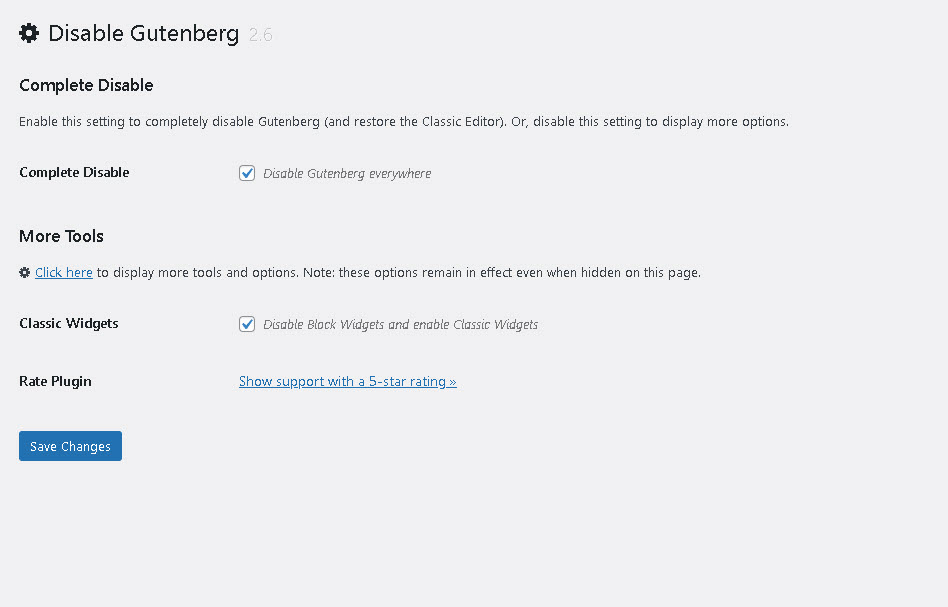
You can also Disable Gutenberg Editor & Widget completely with Disable Gutenberg plugin.

Full-stack developer at Scylla Technologies (USA), working remotely from Bangladesh. Adobe Certified Magento Developer.


