

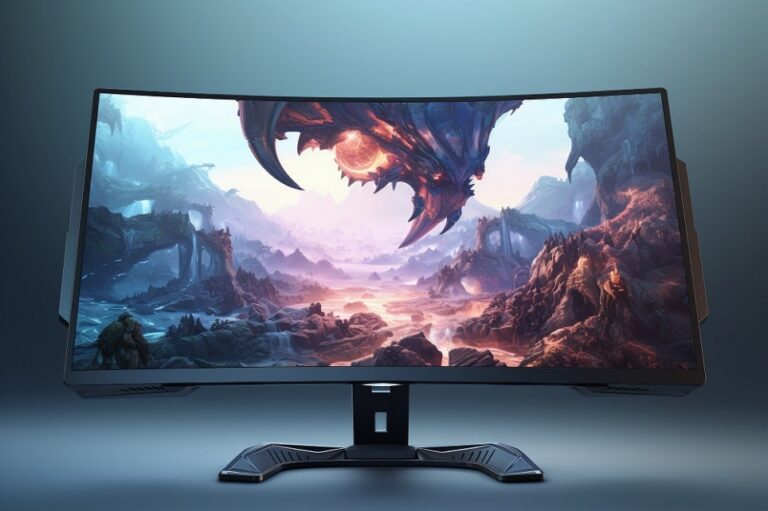
The best gaming monitors in 2026 deliver measurable leaps in three areas that matter most: motion clarity, panel brightness, and long-term durability. The arrival of Tandem OLED technology and NVIDIA G-Sync Pulsar has redefined what flat-panel displays can do, while the “trickle-down” effect has brought professional-grade performance into more accessible price brackets than ever before. This guide covers the top picks across every category — best overall, best value OLED, best for esports, best budget — with honest pros and cons for each.

Key Specifications to Consider
Selecting the right gaming monitor requires a structured evaluation of technical attributes. Resolution determines pixel density and immersion — 1440p remains the sweet spot for sharpness and frame rate balance, while 4K has become the standard for high-end setups paired with next-gen GPUs. Refresh rates have surged: 240Hz is the current baseline for serious gaming, while 480Hz and 500Hz panels deliver the motion clarity professionals demand.
Panel types have evolved significantly. Tandem OLED provides infinite contrast with double the peak brightness of older OLED generations, while Mini-LED with thousands of local dimming zones remains the best option for bright-room HDR. NVIDIA G-Sync Pulsar combines variable refresh rates with advanced strobing to eliminate motion blur without the brightness sacrifice seen in earlier strobe technologies — effectively solving the sample-and-hold problem that plagued flat panels for decades.
Response time on OLED models is now measured in microseconds, eliminating ghosting entirely. Connectivity has shifted toward DisplayPort 2.1 (UHBR20) to handle uncompressed high-bandwidth signals from current-gen GPUs. Understanding the blooming and halo effect on monitors is useful context when evaluating Mini-LED panels, where local dimming zone count directly affects how well the display contains light bleed around bright objects on dark backgrounds.
- Resolution: 1440p at 27 inches remains ideal for high frame rates. 32-inch 4K is the emerging pro standard for titles where detail and fluidity both matter.
- Refresh Rate: 480Hz and 500Hz panels deliver superior motion clarity for competitive esports. 240Hz is the practical minimum for any serious gaming setup.
- Panel Technology: QD-OLED Gen-4 achieves over 1,500 nits peak brightness. Tandem Stack technology has extended panel lifespan and mitigated burn-in concerns significantly.
- Adaptive Sync: G-Sync Pulsar is the current gold standard. FreeSync Premium Pro remains a strong free alternative across the AMD ecosystem.
- HDR: VESA DisplayHDR 1000+ is the benchmark for premium displays. HDR 400 certification provides negligible real-world improvement and is not worth prioritising.
- Connectivity: Dual HDMI 2.1 (48Gbps) and DisplayPort 2.1 are essential for current-gen GPUs. USB-C with 100W Power Delivery enables single-cable laptop docking.
- Burn-in Protection: ASUS OLED Care 3.0 uses NPU-based heat mapping to proactively manage pixel voltage. Most premium brands now offer 3-year burn-in warranties.
- Dual-Mode: Many 2026 flagship monitors allow switching between 4K at 240Hz for immersive play and 1080p at 480Hz for competitive esports without changing cables or settings.
Top Gaming Monitor Recommendations
The following selections represent the strongest picks available across different budgets and use cases. Each has been evaluated for motion performance, HDR capability, build quality, and value relative to its competition. The GPU requirement matters more than ever at these refresh rates — pairing a 480Hz monitor with an underpowered card wastes most of what you paid for. Reviewing current GPU prices and deals before finalising a monitor purchase ensures your full setup can actually take advantage of the panel you choose.
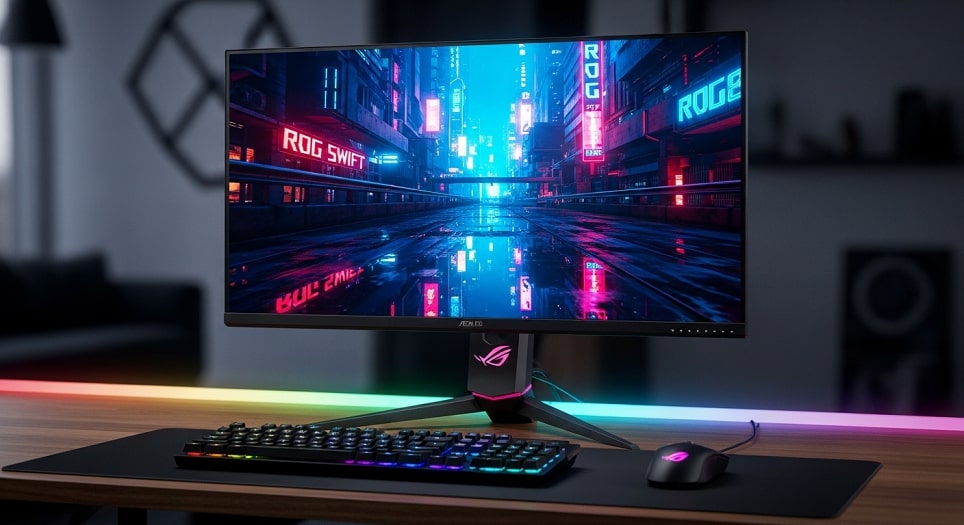
Best Overall: ASUS ROG Swift OLED PG27UCDM
The ASUS ROG Swift OLED PG27UCDM is the most consistently recommended 4K gaming monitor across every major review outlet in 2026. It pairs a 27-inch QD-OLED panel with a 240Hz refresh rate, 0.03ms GtG response time, DisplayPort 2.1 support, and 90W USB-C charging — everything a high-end setup demands in a single package.
Price range: $950–$1,100. More affordable than at launch as 4K OLED competition has intensified.
Pros: Infinite contrast and near-instantaneous pixel response; 240Hz QD-OLED delivers the most vibrant colours in the 27-inch category; ASUS OLED Care 3.0 provides the most advanced burn-in protection available; 90W USB-C is ideal for clean desk setups.
Cons: Active cooling fan is a moving part (though whisper-quiet in practice); premium pricing reflects the ROG brand tax; peak brightness can dim slightly during prolonged full-white HDR scenes.
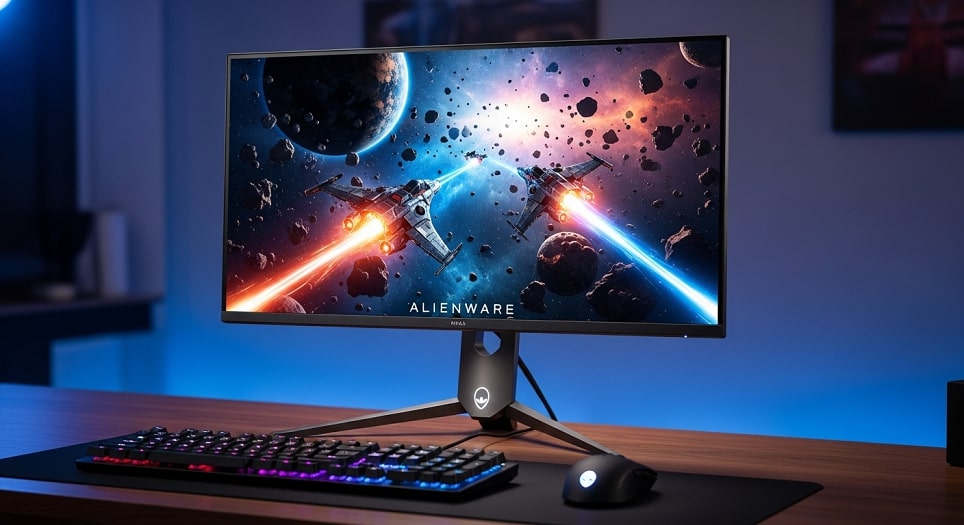
Best Value OLED: Dell Alienware AW2725D
The AW2725D is the strongest value proposition in the OLED gaming monitor market. A 360Hz refresh rate at 1440p makes it faster than many competitors at twice the price, and Alienware’s 3-year Premium Panel warranty is the best burn-in coverage offered by any manufacturer.
Price range: $650–$750. Frequently available for $699, making it the most accessible entry point for high-refresh OLED.
Pros: 360Hz is exceptionally smooth for both competitive and casual play; industry-leading 3-year panel warranty provides genuine peace of mind; clean design with excellent cable management.
Cons: 1440p resolution feels standard compared to 4K flagships; no built-in KVM switch; stand footprint is larger than expected for a 27-inch display.
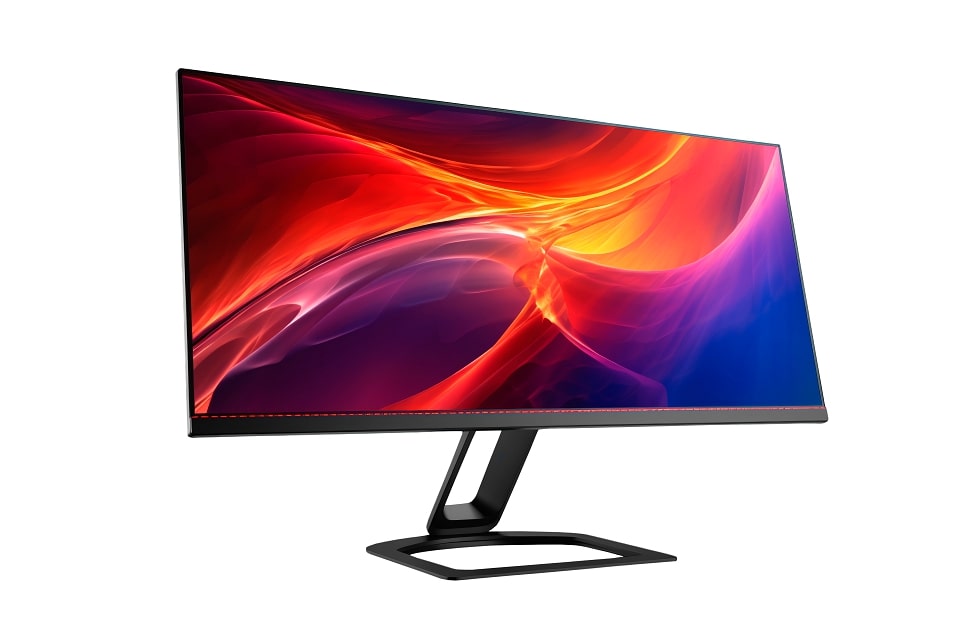
Best for Versatility: LG UltraGear 32GS95UE
The LG 32GS95UE is the definitive dual-mode gaming monitor. A single button press switches between 4K at 240Hz for RPGs and open-world games and 1080p at 480Hz for competitive shooters — effectively functioning as two monitors in one chassis.
Price range: $1,100–$1,300. Recently reduced in price following 2026 flagship releases.
Pros: Dual-Mode flexibility covers every gaming scenario; excellent matte coating handles bright room environments better than glossy OLED alternatives; surprisingly capable built-in audio via Pixel Sound technology.
Cons: WOLED text clarity is marginally behind QD-OLED; 1080p mode can appear soft on a 32-inch panel; external power brick adds desk clutter.
Best for Esports: ASUS ROG Swift PG27AQDP
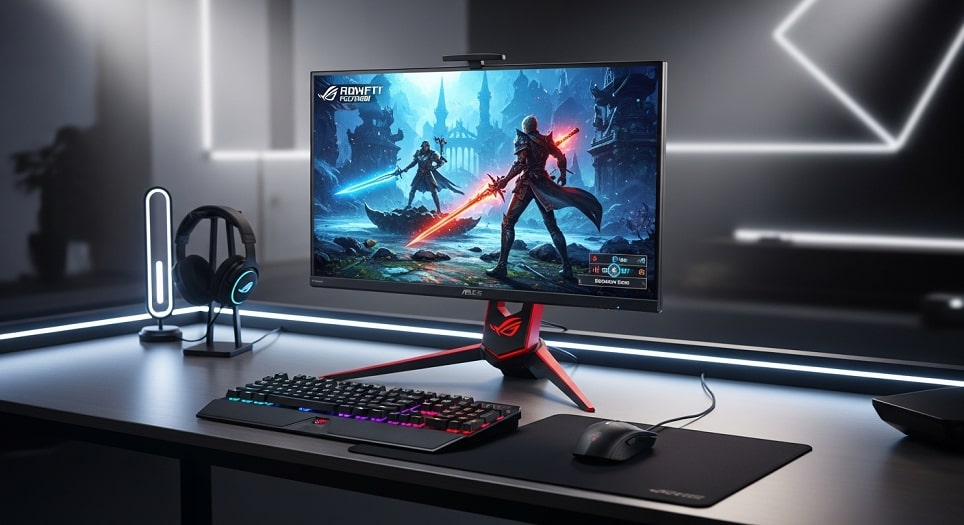
The PG27AQDP is the competitive gaming benchmark in 2026. A native 480Hz 1440p WOLED panel delivers the lowest measured motion blur of any flat-panel display currently available. The ROG-exclusive heat sink enables higher sustained brightness without burn-in risk.
Price range: $850–$950. The definitive choice for players where frame rate and motion clarity are the only metrics that matter.
Pros: 480Hz is the current performance ceiling for competitive play; zero ghosting under all test conditions; ROG thermal management enables brighter sustained operation than competing WOLED designs.
Cons: 1440p limits productivity use on a 27-inch panel; requires a flagship GPU (RTX 50-series or equivalent) to reach full refresh rate in demanding titles; expensive relative to its screen size.
Best Budget Pick: Gigabyte M27QA
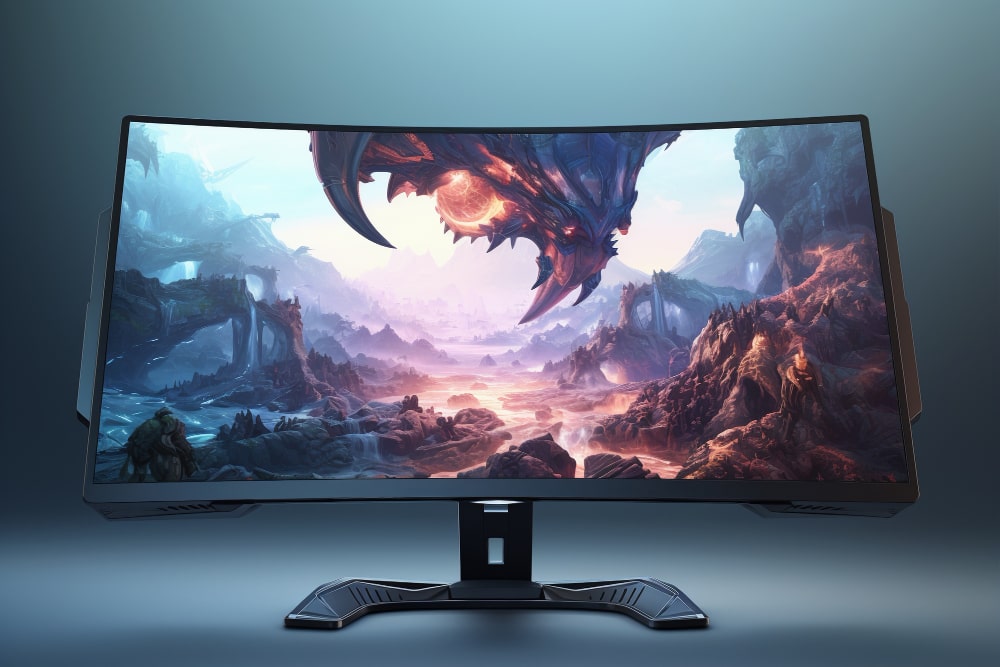
For gamers who want solid performance without an OLED price tag, the Gigabyte M27QA delivers 1440p at 180Hz IPS with a built-in KVM switch for under $300. It has held the top budget recommendation spot for two consecutive years for good reason — it simply covers all the bases at this price point.
Price range: $230–$280. Frequently hits $249 during sales.
Pros: Built-in KVM switch is invaluable for dual-PC or work-from-home setups; accurate colour out of the box; best-in-class price-to-performance ratio at this resolution and refresh rate.
Cons: IPS contrast cannot compete with OLED; HDR 400 certification offers negligible real-world HDR benefit; base model stand lacks height adjustment.
Current Market Prices and Deals
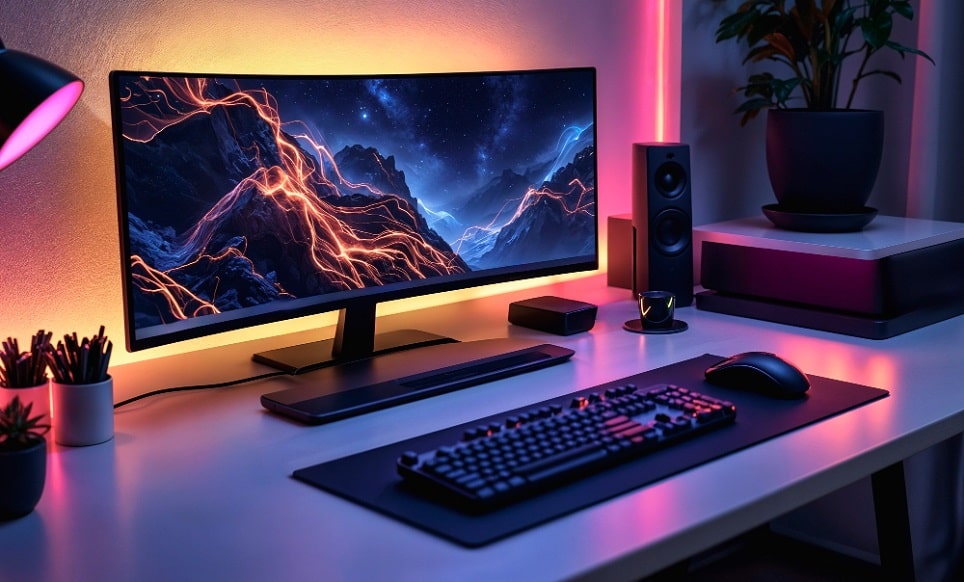
The gaming monitor market is highly competitive right now. High-end 4K OLEDs that launched at $1,400 have stabilised around the $1,000 mark as second-generation models have arrived. The ASUS ROG Swift OLED PG27UCDM currently sits around $1,049 on Amazon, while the Dell Alienware AW2725D represents strong value at $699. Budget shoppers will find the Gigabyte M series frequently discounted, with the M27QA hitting $249 during seasonal sales.
The best deals right now are on “last-gen” 240Hz OLED panels — models that launched at $900 in 2025 are now available for $550–$600, offering exceptional OLED quality at a fraction of flagship pricing. MSI’s MPG line has been aggressively underpricing ASUS and LG throughout early 2026 and is worth including in any comparison.
Brand Comparison — Pros and Cons
Brand choice in 2026 is as much about software ecosystem and warranty coverage as raw hardware specs. ASUS and MSI have integrated AI-driven gaming intelligence suites, while Dell focuses on hardware reliability and warranty programmes.
- ASUS ROG: Best motion handling and thermal management; OLED Care 3.0 is the most advanced burn-in protection available. Premium pricing is the consistent trade-off.
- Dell Alienware: Industry-leading 3-year burn-in warranty and best-in-class customer support. Firmware menu is more restricted than ROG and LG equivalents.
- LG UltraGear: Pioneer of Dual-Mode technology; matte coatings that work in any ambient lighting. Firmware update cycles are slower than competitors.
- MSI MPG/MAG: Best price-to-performance ratio in the OLED segment. Stand quality is less premium-feeling than ASUS or Dell equivalents.
- Gigabyte: Dominant in the mid-range; KVM switches included across most models. HDR performance in non-OLED models is limited.
If you play across multiple platforms, reviewing the full list of cross-platform games for PS5, Xbox, and PC is worth doing alongside your monitor research — the right resolution and refresh rate choice depends partly on which platform you primarily game on, since console output caps differ from PC.

Pro Tips for Getting the Most from Your Gaming Monitor
Always use a certified DisplayPort 2.1 cable — uncertified cables cause black screens and signal dropouts at high refresh rates regardless of what the monitor and GPU can deliver. Enable Windows 11 Auto HDR for games without native HDR support, as recent updates have made it significantly more consistent. For OLED users, hide your taskbar and use a dark system theme — modern panels are far more durable than earlier OLED generations, but prevention costs nothing.
Tune your Overdrive setting carefully. Most 2026 panels perform best on Normal or Smart modes — Ultra Overdrive introduces inverse ghosting that actively degrades motion clarity, the opposite of its intended purpose. Update your monitor firmware regularly; ASUS, LG, and MSI now release post-launch updates that meaningfully improve colour accuracy and input latency. If you are also upgrading to a next-generation gaming laptop alongside a new monitor, confirm the laptop’s GPU output supports DisplayPort 2.1 or HDMI 2.1 before purchasing — not all mobile GPUs do.
Frequently Asked Questions
What monitor is best for gaming?
The ASUS ROG Swift OLED PG27UCDM is the most consistently top-ranked gaming monitor in 2026 across RTINGS, PC Gamer, Tom’s Hardware, and IGN. Its 27-inch QD-OLED panel delivers 4K at 240Hz with 0.03ms response time and DisplayPort 2.1 support. For value, the Dell Alienware AW2725D at 360Hz 1440p OLED is the strongest pick under $750.
Is IPS or OLED better for gaming?
OLED is better for gaming in most scenarios. It provides infinite contrast, 0.03ms response time, and superior motion clarity compared to IPS. IPS remains relevant for bright-room setups where maximum sustained brightness matters more than contrast, or for budget buyers where OLED pricing is prohibitive. Mini-LED IPS panels with high dimming zone counts close the gap significantly in HDR performance.
Is 4K or 1440p better for gaming?
1440p is better for high-refresh competitive gaming where frame rate is the priority. 4K is better for immersive single-player games where visual detail matters more than maximum frames. Dual-Mode monitors like the LG 32GS95UE remove the trade-off entirely by switching between both resolutions on demand.
Is 24 or 27 inches better for gaming?
27 inches is the better choice for most gamers. It provides enough screen real estate for immersive play while keeping pixel density high enough at 1440p for sharp text and detail. 24 inches remains the preference for competitive esports players who sit close to their screen and prioritise tracking speed over immersion.
What is NVIDIA G-Sync Pulsar?
G-Sync Pulsar combines variable refresh rate technology with high-frequency backlight strobing to achieve motion clarity that matches CRT monitors — eliminating the sample-and-hold blur inherent to standard flat panels. It delivers smooth frames across 1Hz to 500Hz without the brightness sacrifice associated with traditional backlight strobing methods.
Is OLED burn-in still a concern?
Burn-in is significantly less common on 2026 OLED panels than earlier generations. Tandem Stack technology and NPU-based pixel management have extended panel lifespan substantially, and most premium brands now back their OLED panels with 3-year burn-in warranties. Heavy users following basic precautions — dark theme, hidden taskbar, varied content — should see 5+ years of use without issues.
Do I need a new GPU for a 480Hz or 500Hz monitor?
Yes. Reaching 480+ FPS in competitive titles requires a flagship GPU — RTX 5090 or RX 9070 XT level hardware — alongside a fast CPU. At 1440p in less demanding esports titles like Valorant or CS2, mid-range cards can approach these frame rates, but 4K at 480Hz is currently only achievable with the highest-end GPU available.
Conclusion
The 2026 gaming monitor market offers the clearest upgrade path in years. For most gamers, a 27-inch 1440p OLED — either the Dell Alienware AW2725D for value or the ASUS ROG Swift OLED PG27UCDM for premium 4K — covers every gaming scenario without overcomplicating the decision. Competitive players who need the absolute motion clarity ceiling should look at the ASUS ROG Swift PG27AQDP at 480Hz. Budget buyers who want capable IPS performance without OLED pricing still get excellent value from the Gigabyte M27QA.
Panel technology has matured to the point where burn-in anxiety is no longer a meaningful barrier to OLED adoption — warranties, improved materials, and software protection have addressed it sufficiently for typical gaming use. The remaining decision is matching resolution and refresh rate to your GPU, your primary game genres, and your budget. The evolution of display technology has brought us to a point where even mid-range monitors deliver image quality that would have required professional broadcast gear a decade ago — the 2026 lineup reflects that progress more clearly than any previous upgrade cycle.


